How to change a battery in a temperature sensor
Replacing a CR2023 battery in a temperature sensor (RMHUMA, TMPRCK)
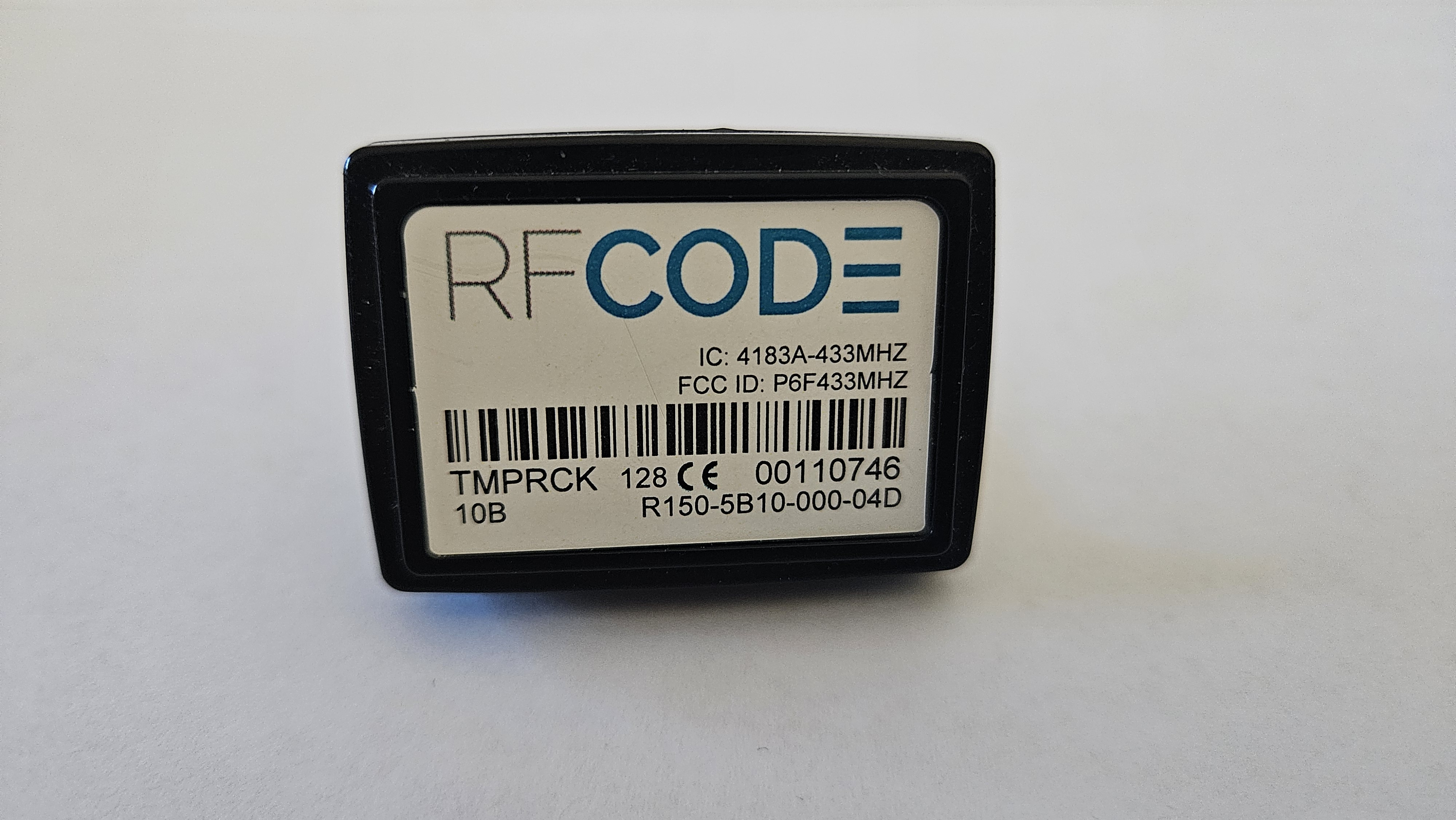
- Identify the recess on the tag – there is one on each of the longest sides.
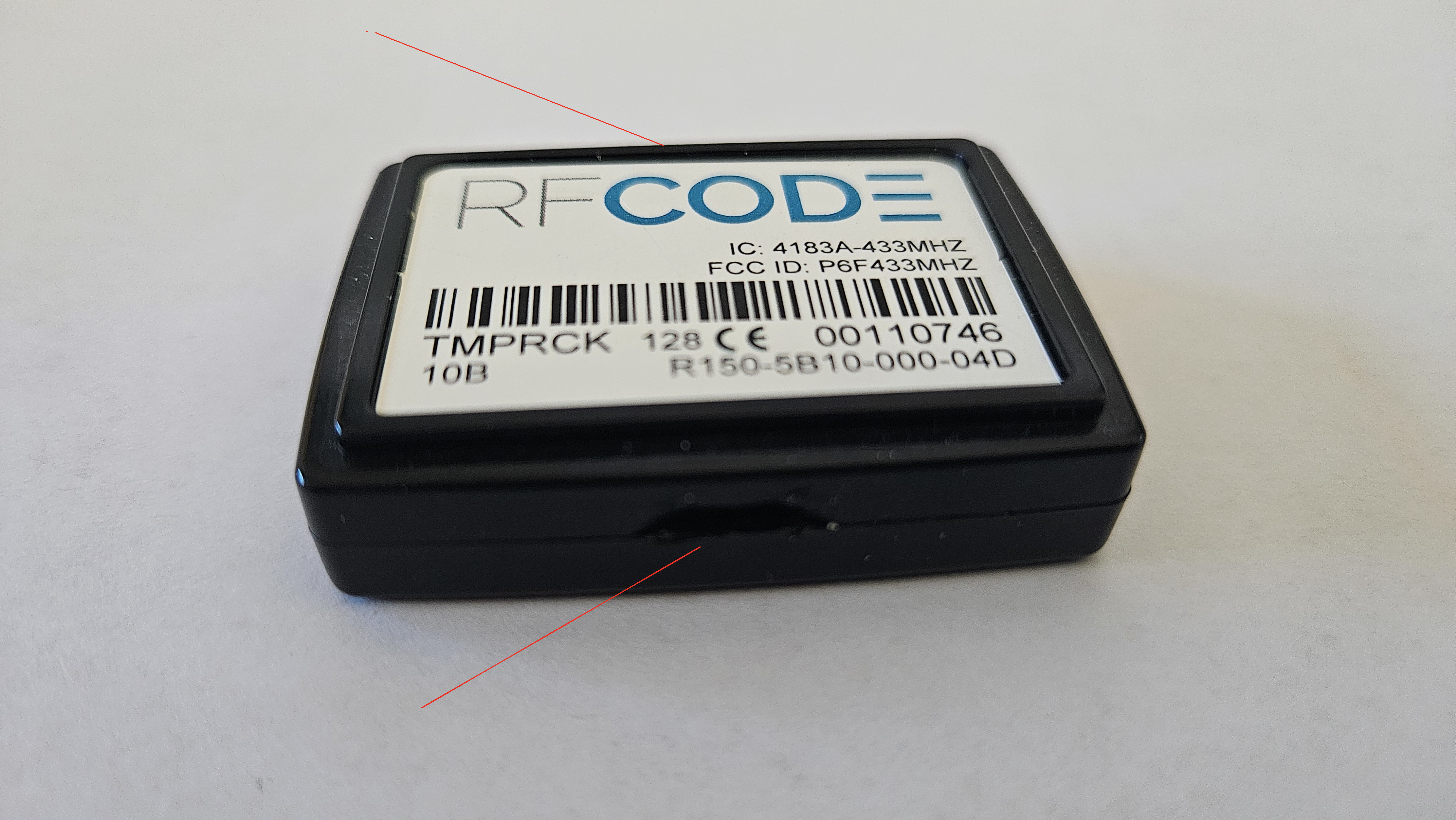
- Using a tool (flathead screwdriver works best), gently insert into the recess and rotate until the sensor top and bottom pieces separate.
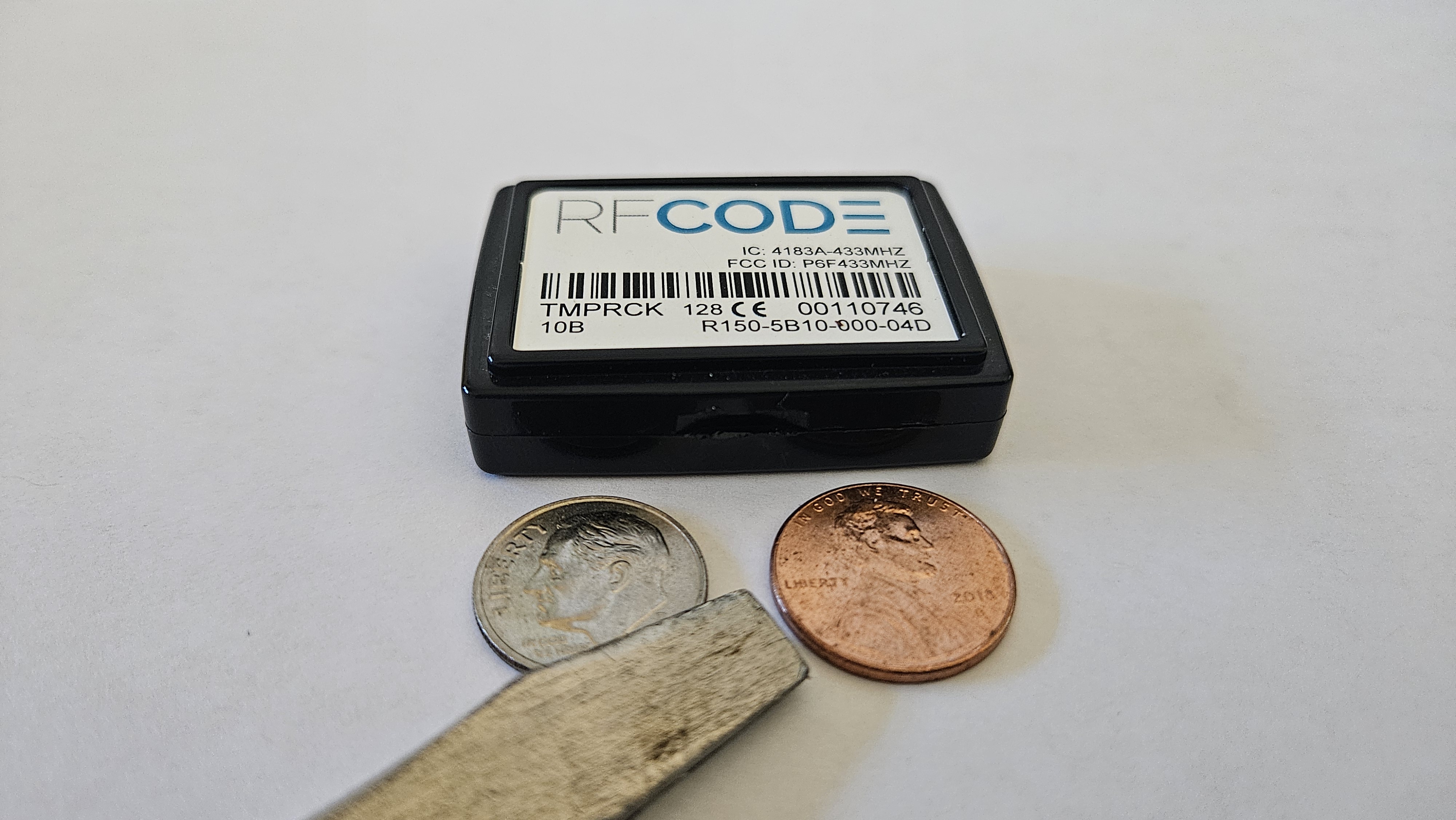
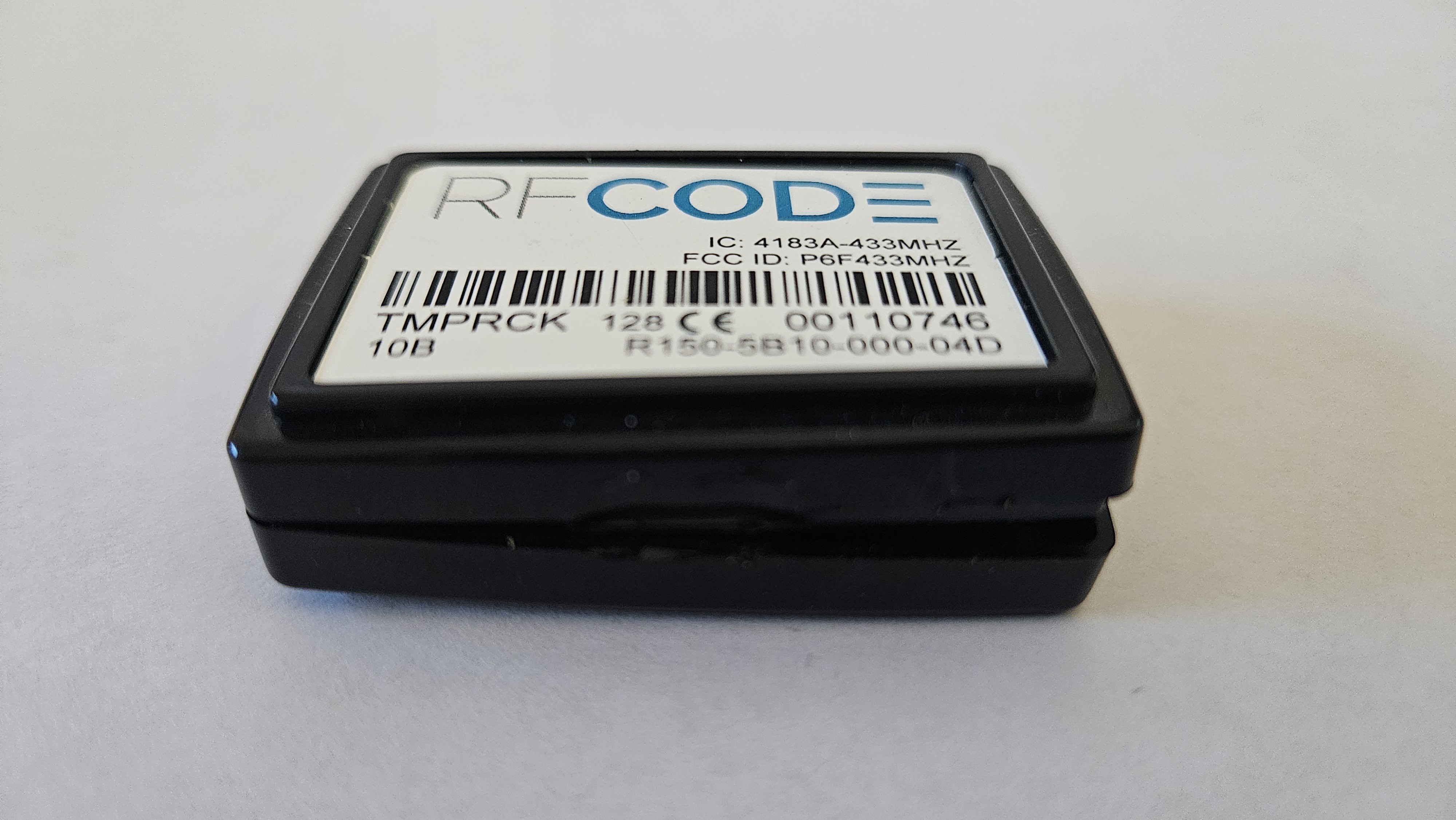
- Once it is initially separated on one side, you might need to slide the tool down the edge until it comes apart into 2 pieces.
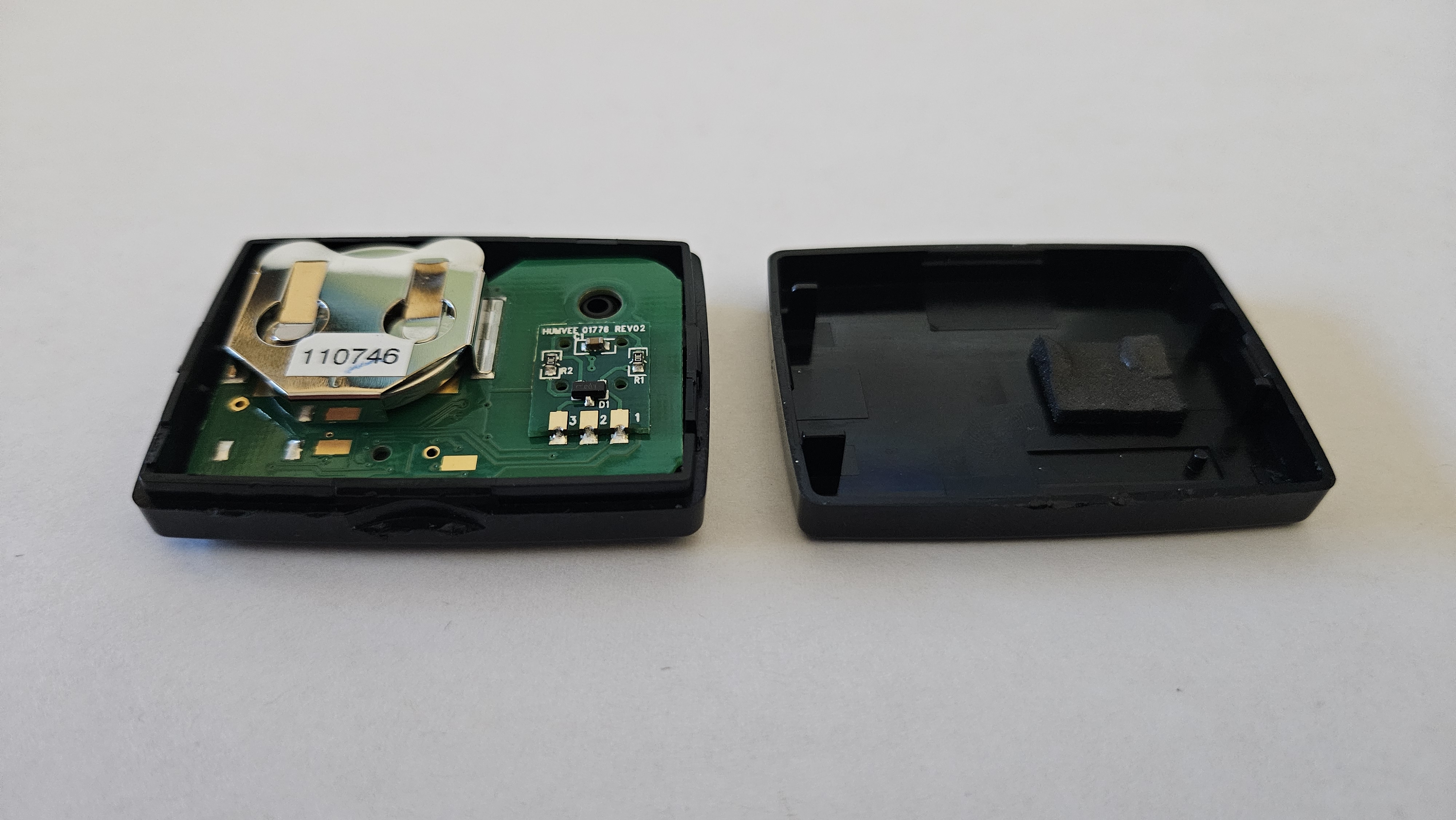
- You can take the PCB out of the case if you need to. If you cannot pull out the drained battery with your fingernails, then use some sort of plastic tool to gently push the battery out until you can grab it and pull it out.
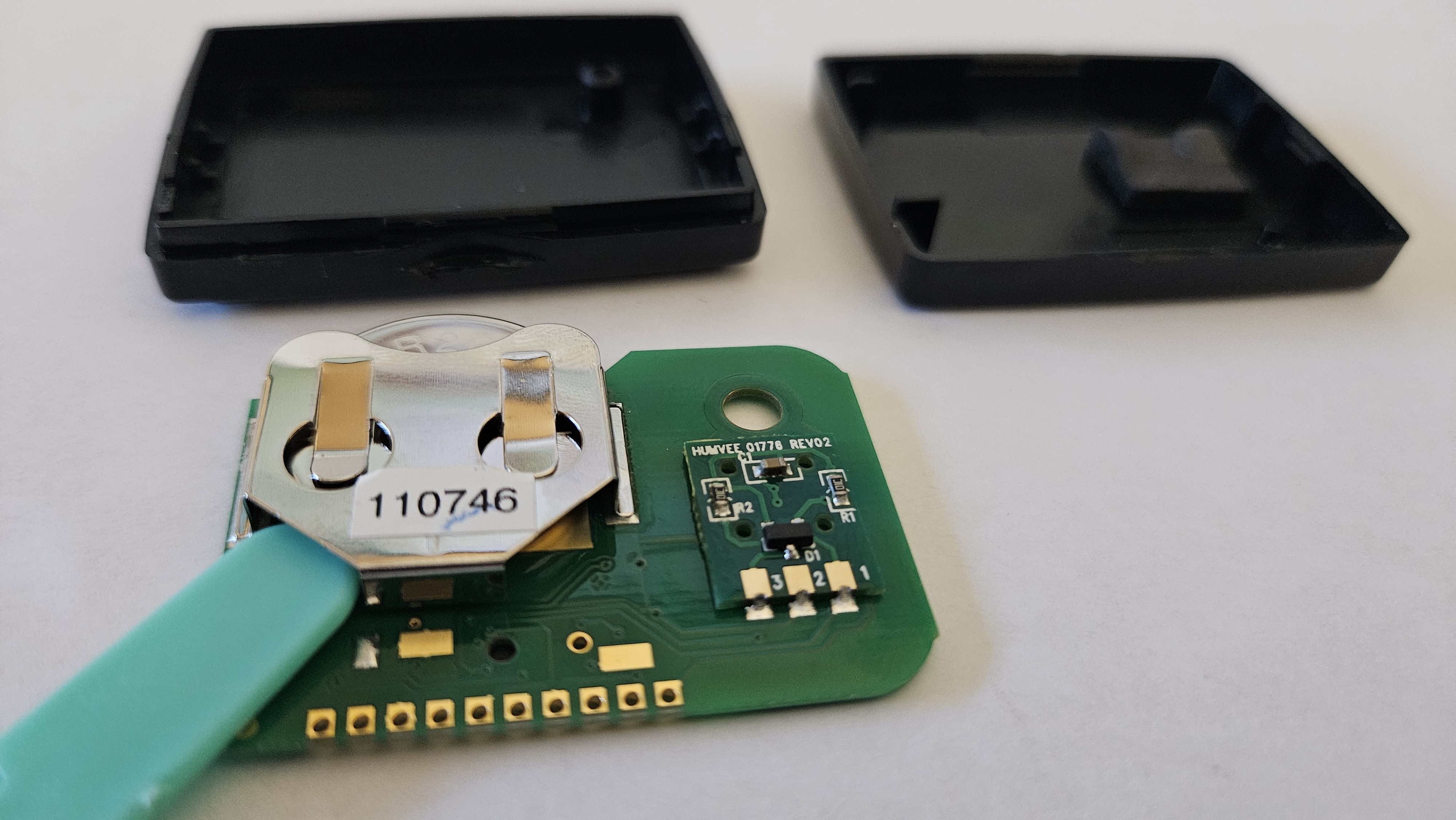
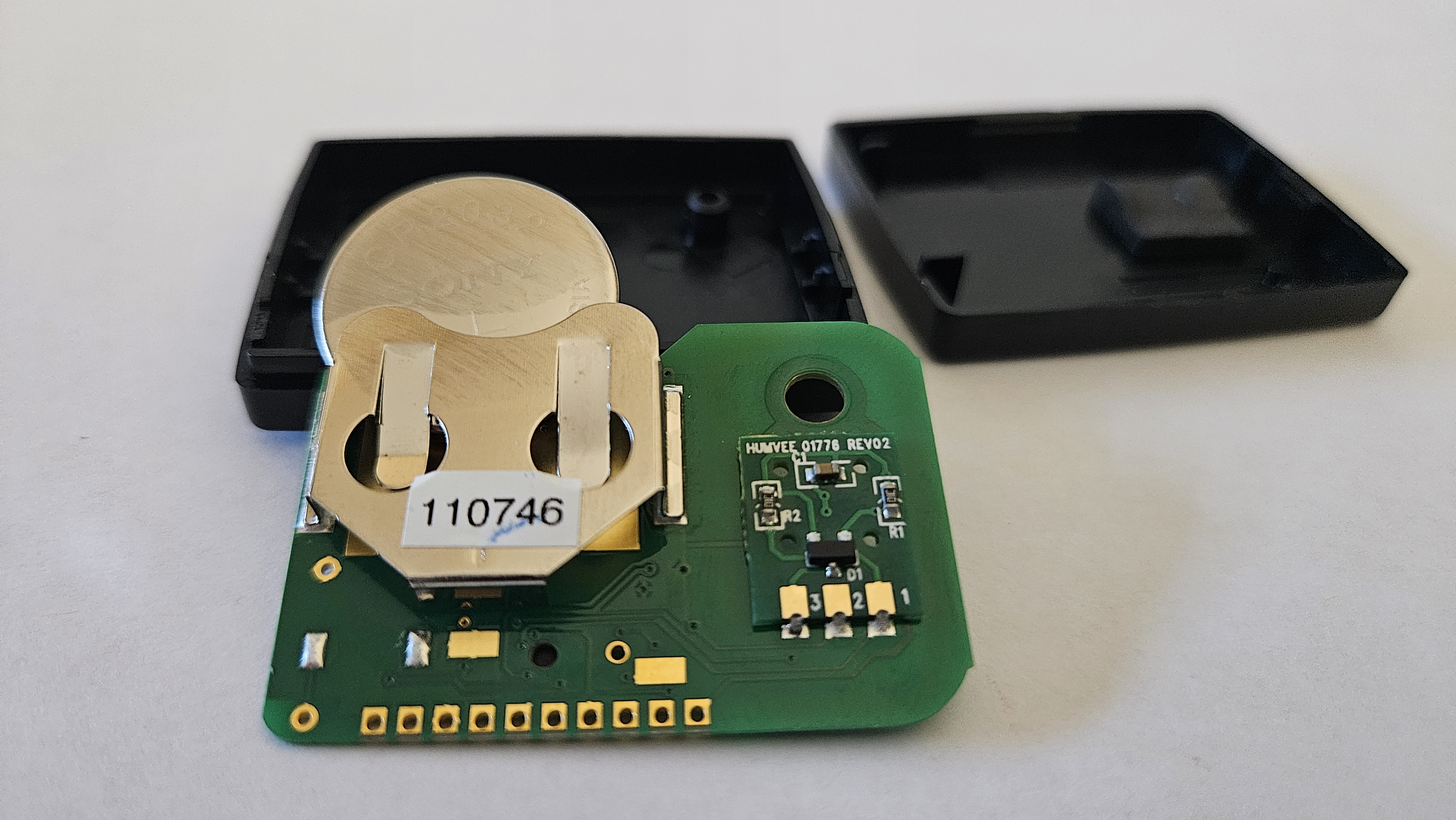
- Insert the new battery in the same orientation of the previous battery – negative closest to the PCB.
- If you removed the PCB from the case, reassemble it by putting the plastic post through the hole in the PCB.
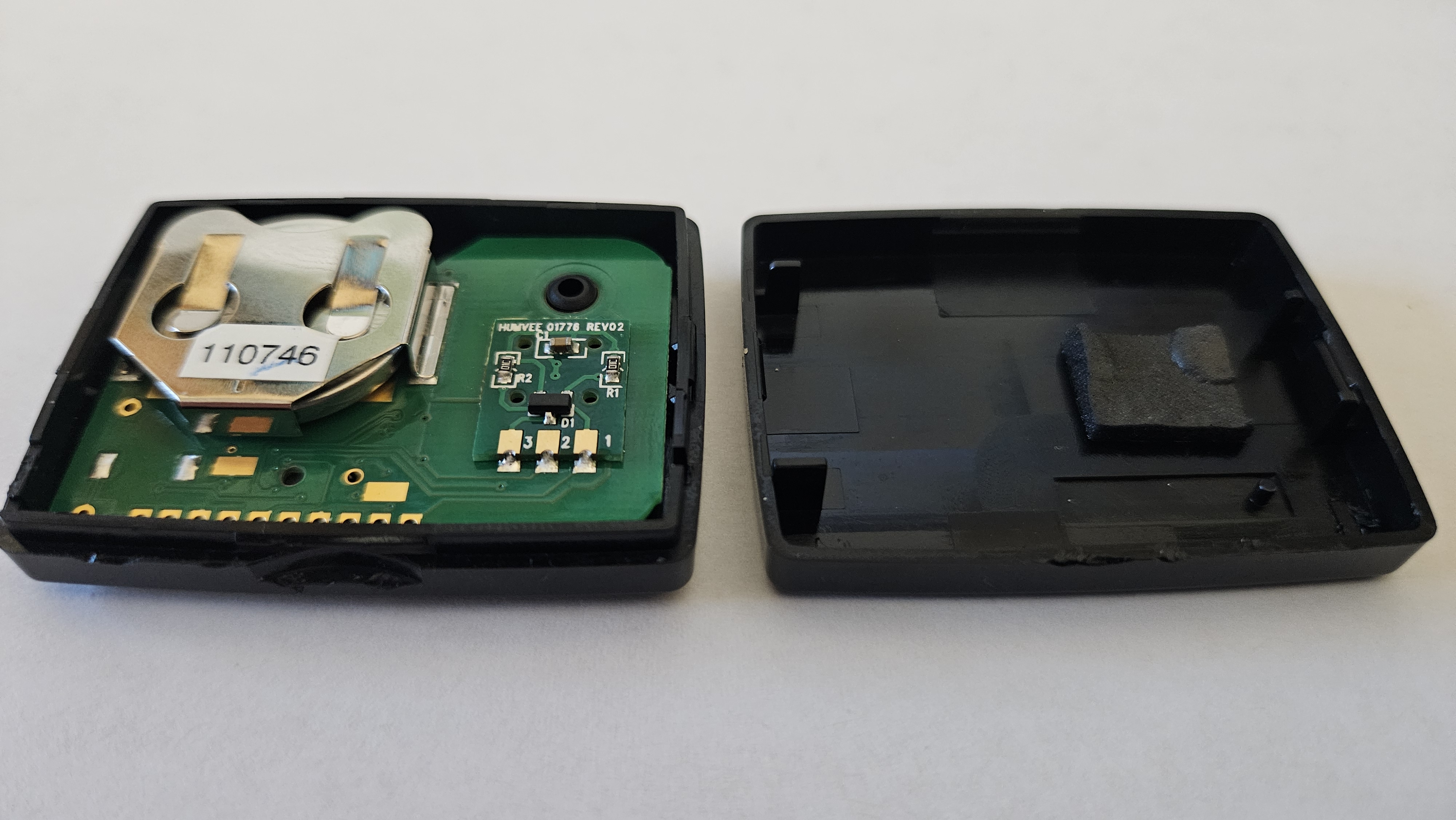
- Snap it back together making sure to align the rubber padding on the opposite case half sits on top of the battery holder.