)
Basic Configuration
Adding a standby server is done after CenterScape is already configured and operational and that the database server instance is not collocated on the same host as the application server. The procedure for adding a standby server is to install CenterScape on a new host (do not install included Postgres option) and then point the CenterScape install at the database that the primary server is connected to. Note: The primary server should be at V1.12.0 or newer before adding a standby server. Active and Standby servers can be Linux or Windows or a combination of the two. The database can either be Postgres or MS SQL Server.
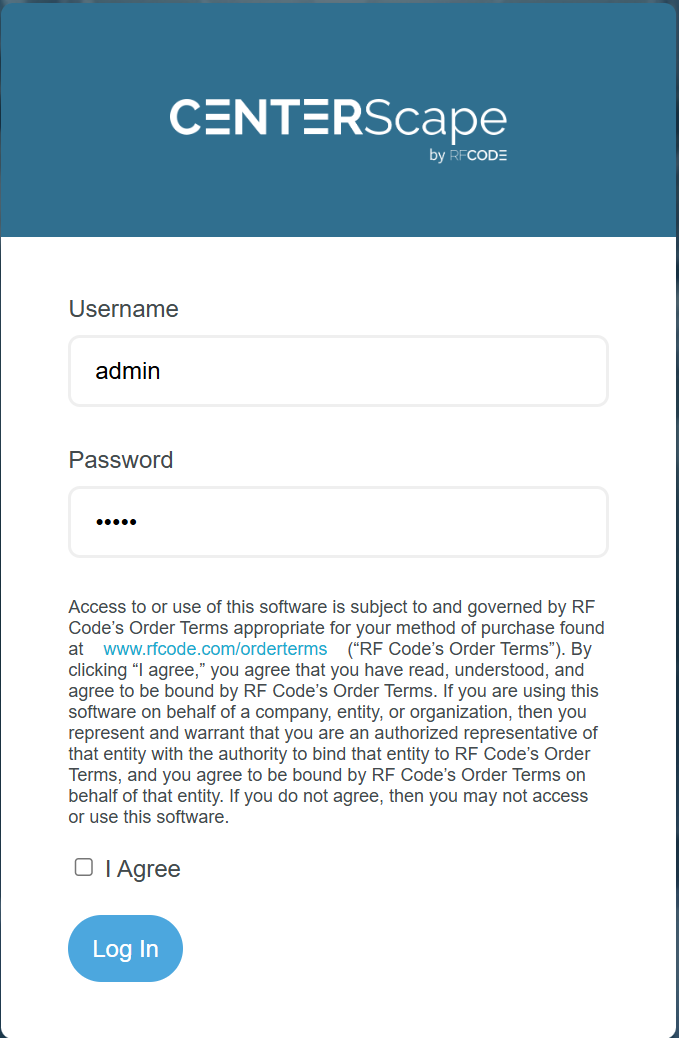
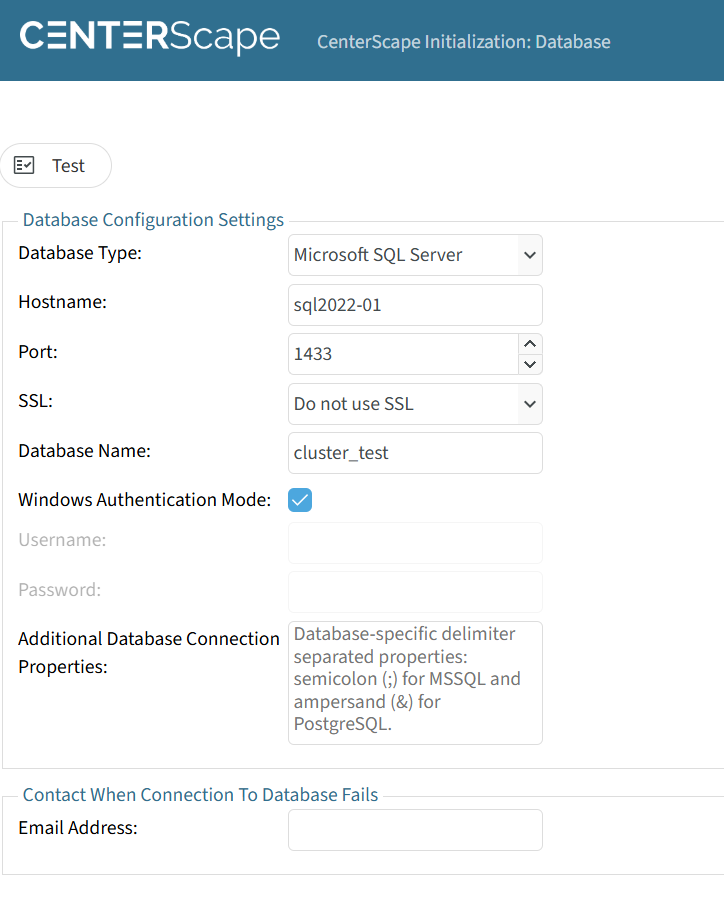
Log into the new CenterScape application server just as a normal install with admin/admin. Next connect the system to the database as would be done for a new install. No mention of standby server will be made and no warnings will occur.
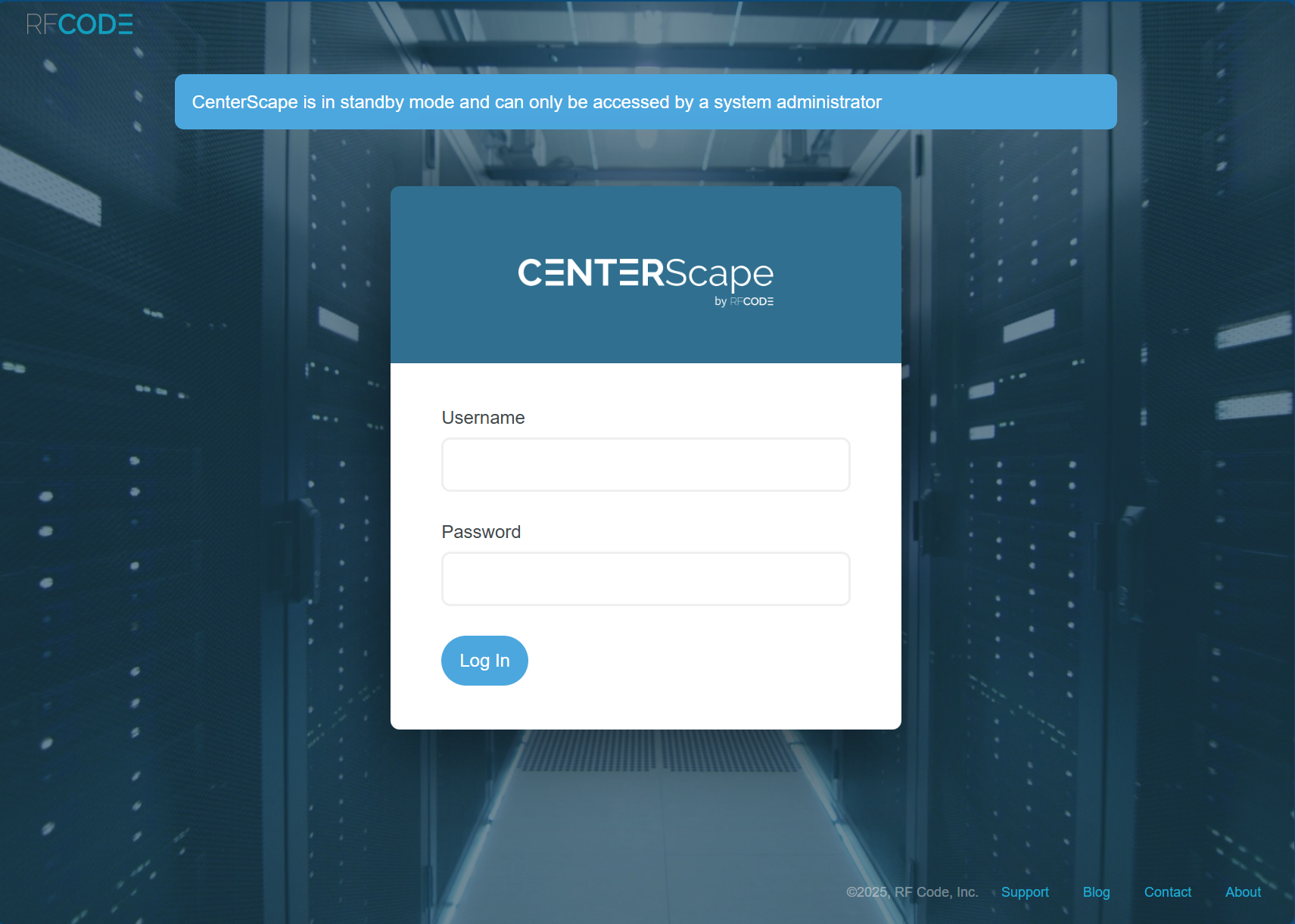
When the CenterScape application restarts its login will indicate that the server is in standby mode. Only users with admin rights my log into a server in standby mode. LDAP and SAML Services are available for Standby Servers and Administrators can use credentials to login. The default admin/admin account is no longer available if the password has been changed.
If an Administrator logs into a standby server there are only two configuration menus that can be used. The database configuration menu can be used to point the application server at another database or checking the box "Primary Instance" can promote this standby server to the primary server.
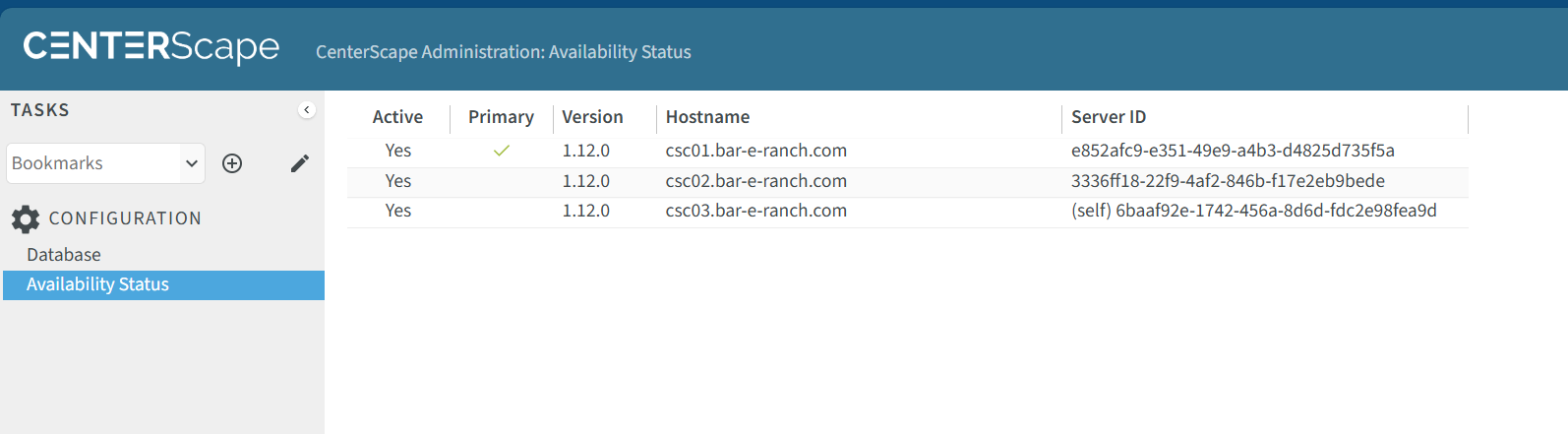
In the Availability Status configuration a list of CenterScape Application servers are provided. The Primary green check box indicates which application server is currently primary. The Active Column indicated that the server had checked in with the heartbeat function in the last 10 minutes. The version of CenterScape is shown. Host name is the current resolved hostname of the application server host. The server ID is a unique identifier in the server.uuid file that makes the instance unique. This ID must be unique for every app server. If two CenterScape application servers have the same Server ID then data corruption is possible.